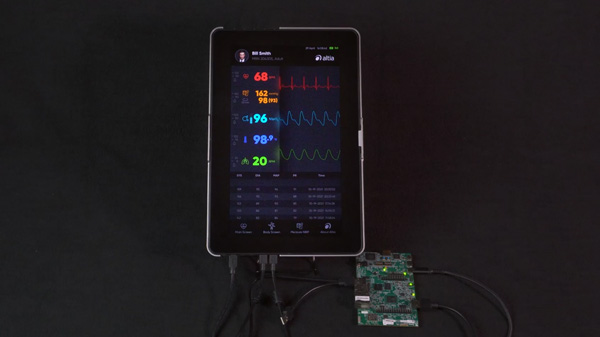
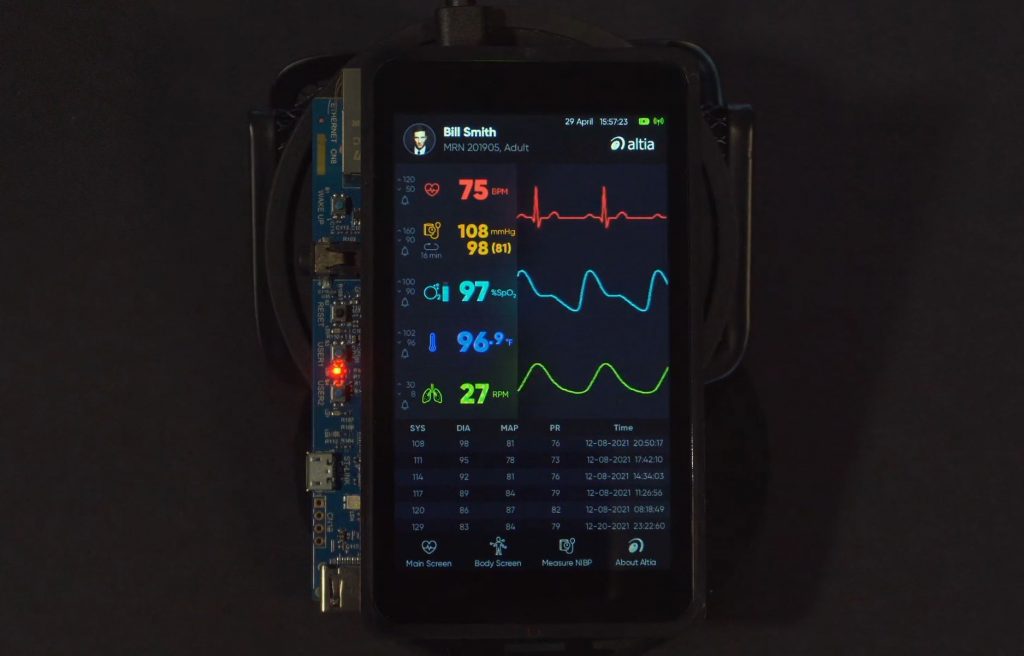
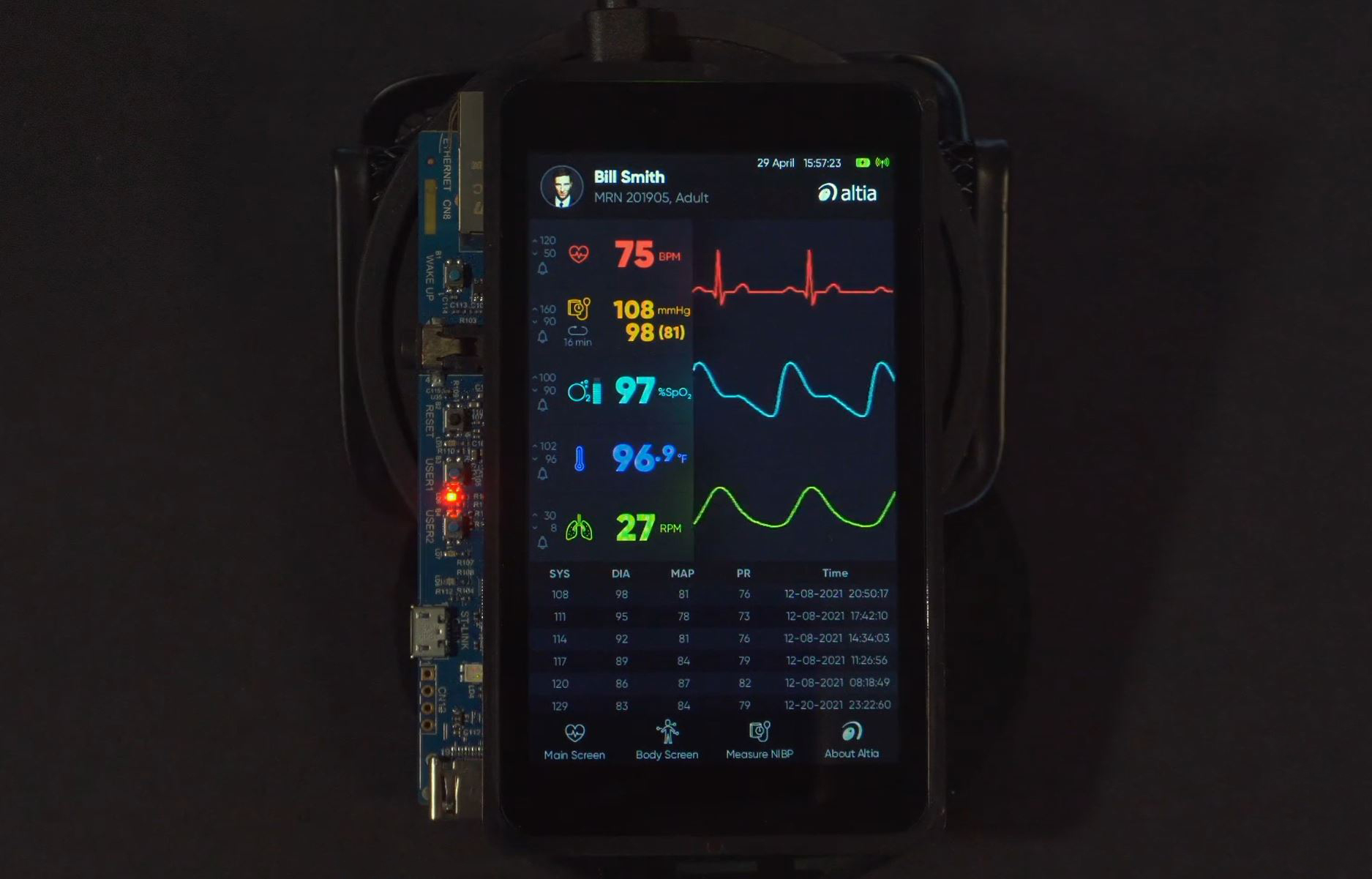
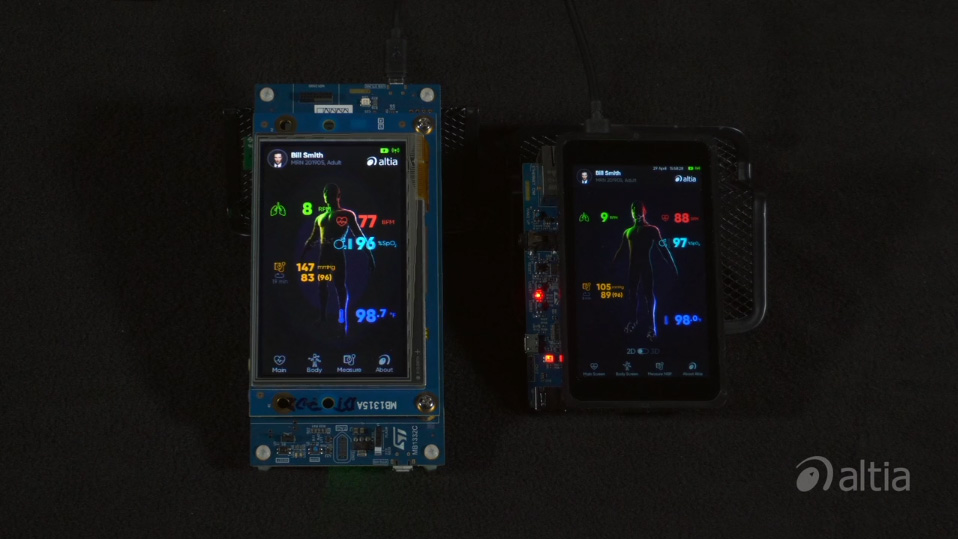
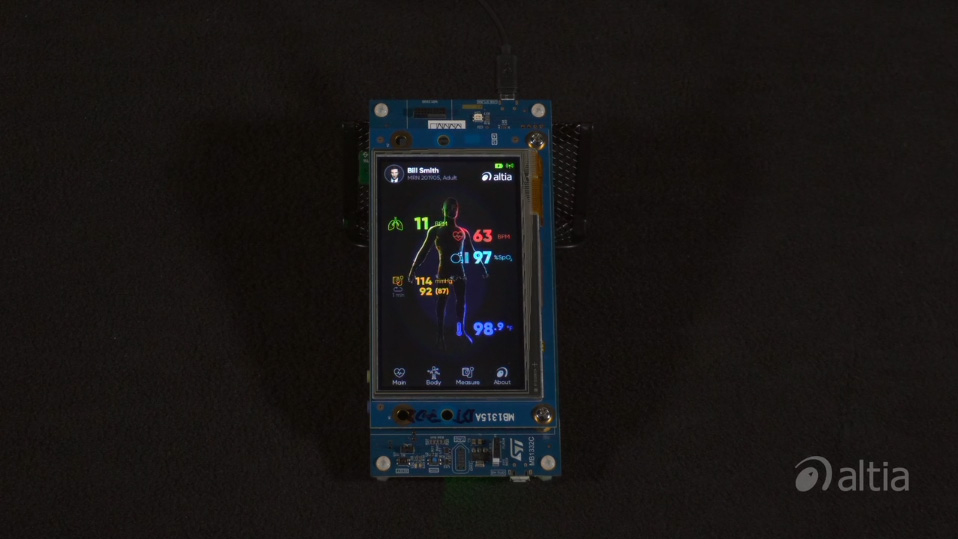
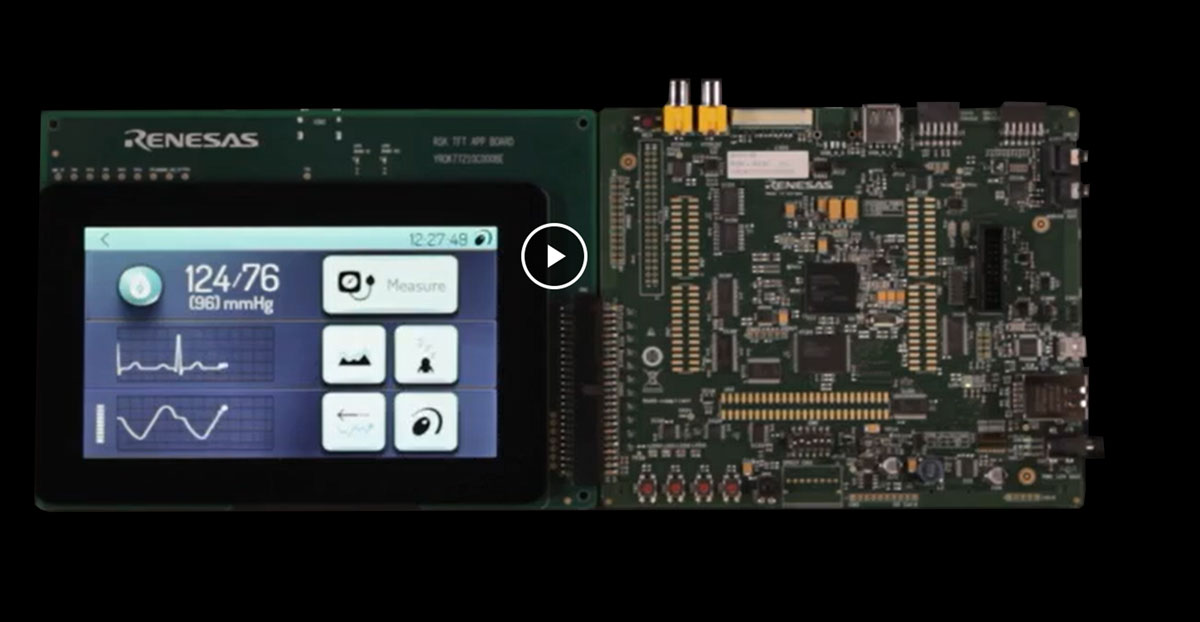
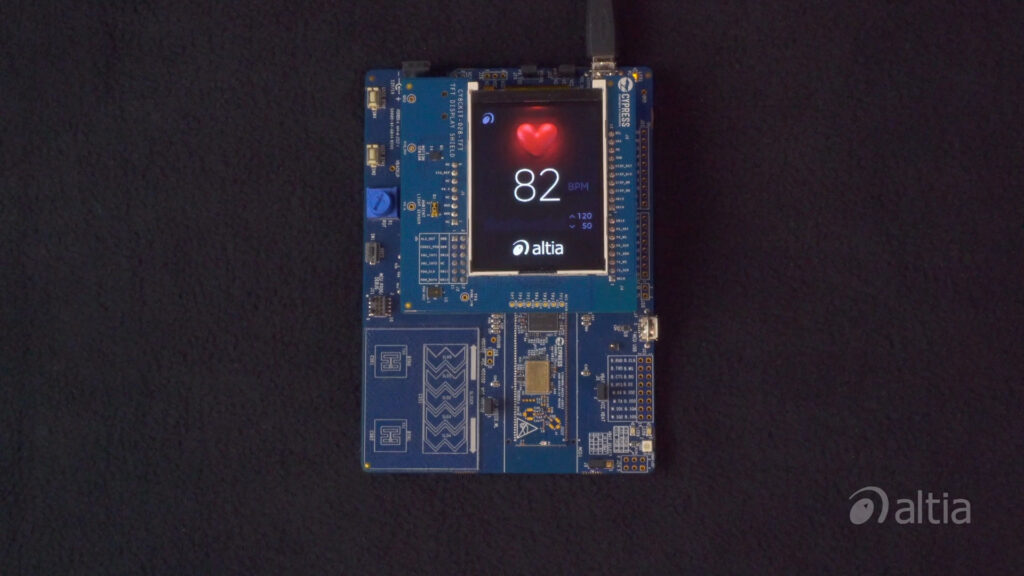
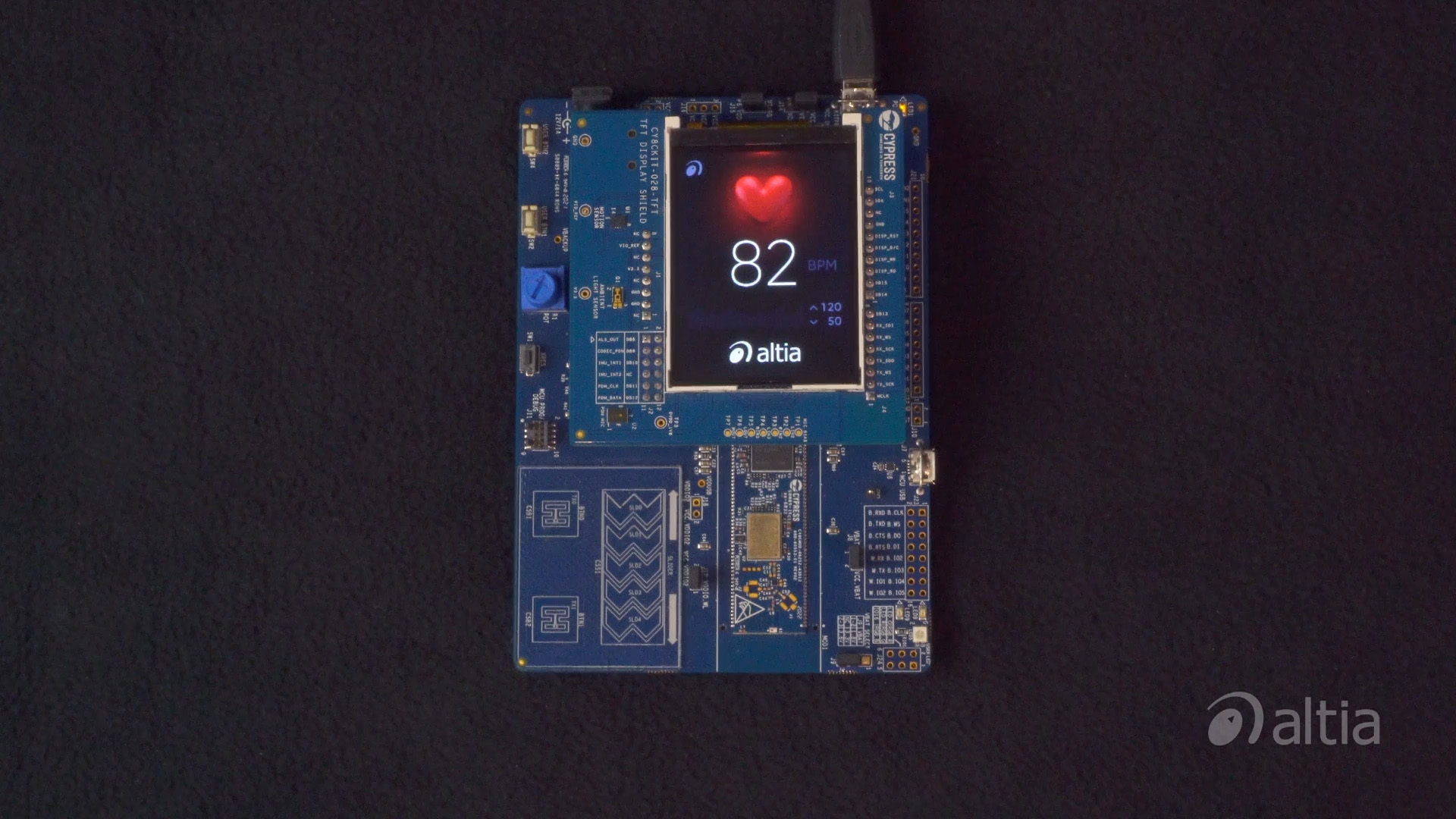
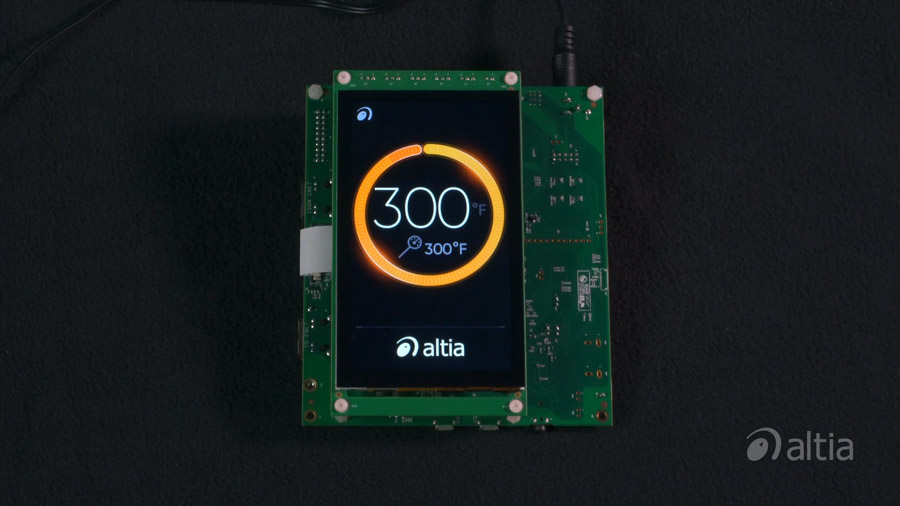
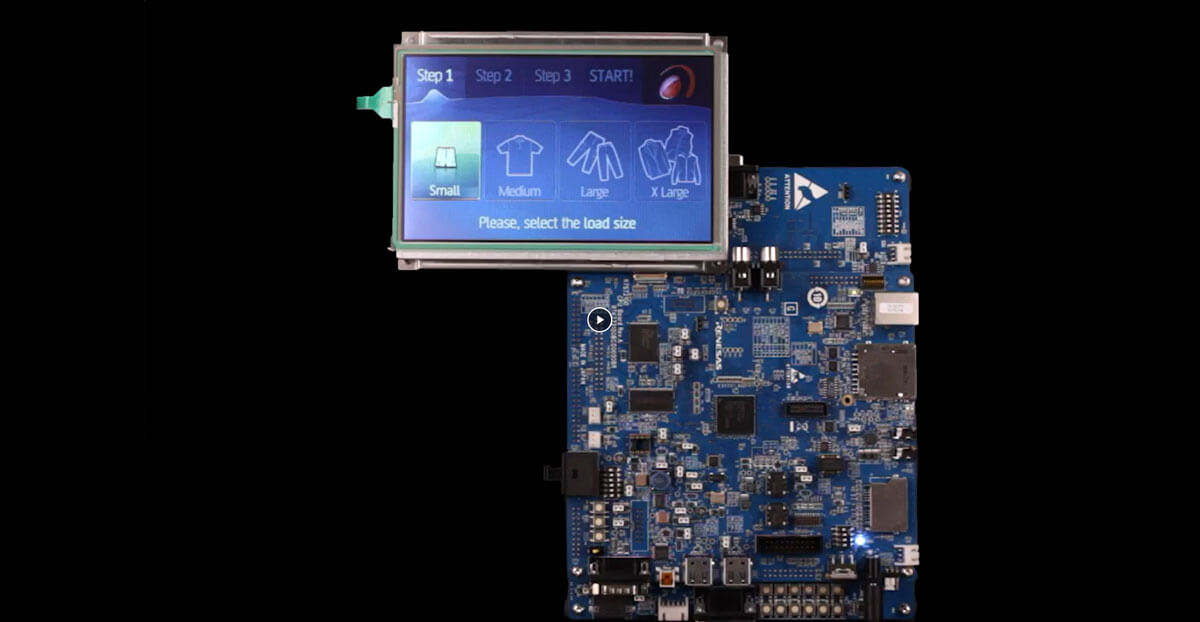
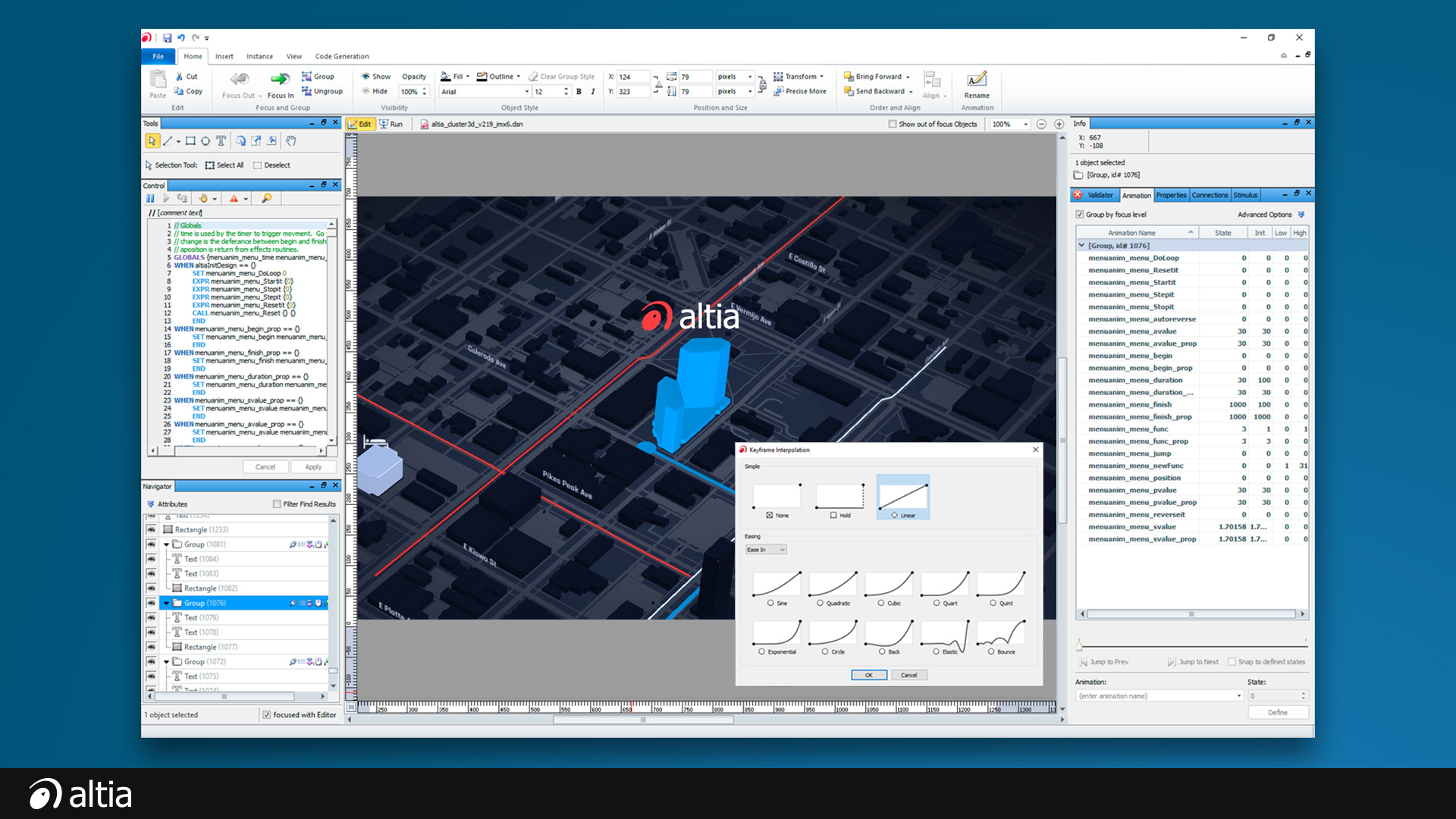
Appliance GUI built using Altia Software

Make everyday products extraordinary

Customers want a high-tech face on the products they use throughout the day – in their cars, at work and even in their kitchens. Inform, engage and delight them with colorful, intuitive interfaces built with Altia.


Download Demo (.exe)

Explore our interactive refrigerator demo which we built using Altia Design. Keep an eye out for the hidden game! (Hint: Look for the lady bug)  Click Here

Download Appliance Brochure (.pdf)

Altia’s suite of user interface design tools gives you the advantage you need to get a dazzling white goods display into production. Click Here

More Info

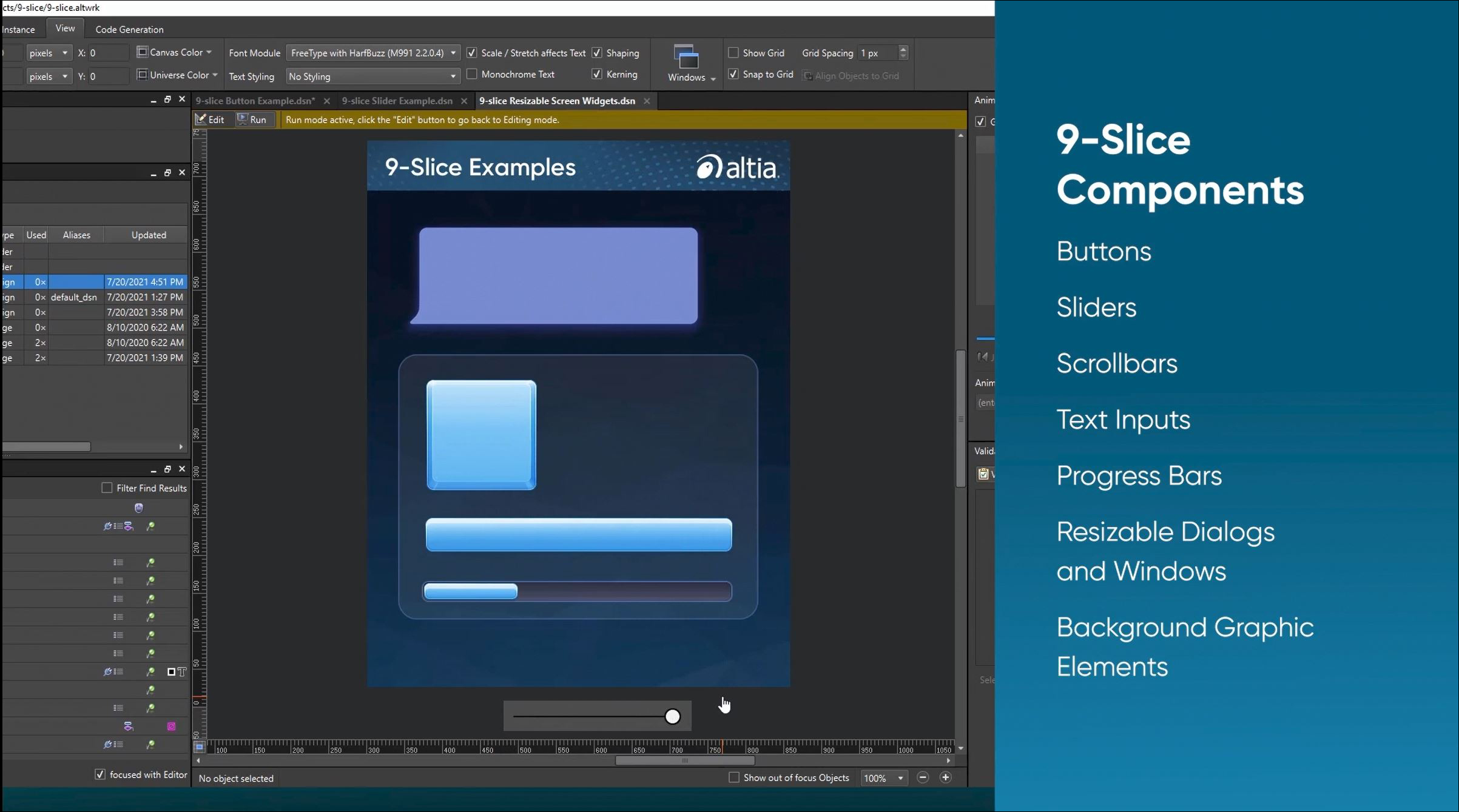
Use Altia Design to build a stunning graphical user interface for your next generation home appliance product. Click Here


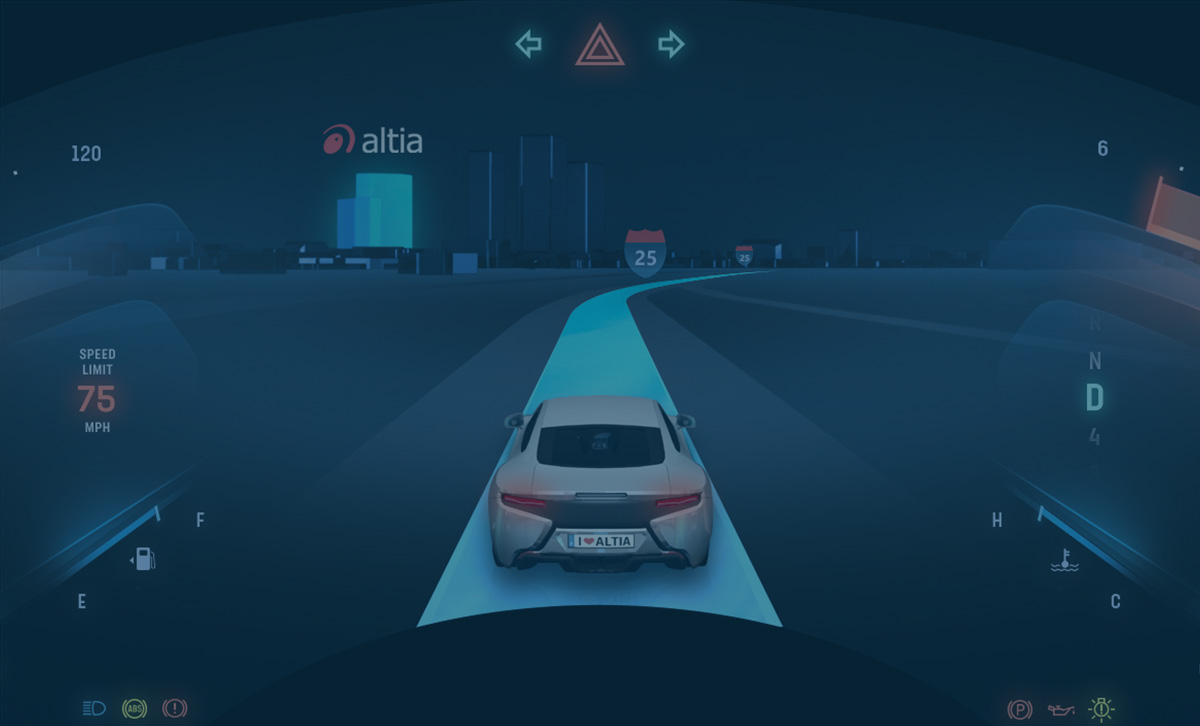
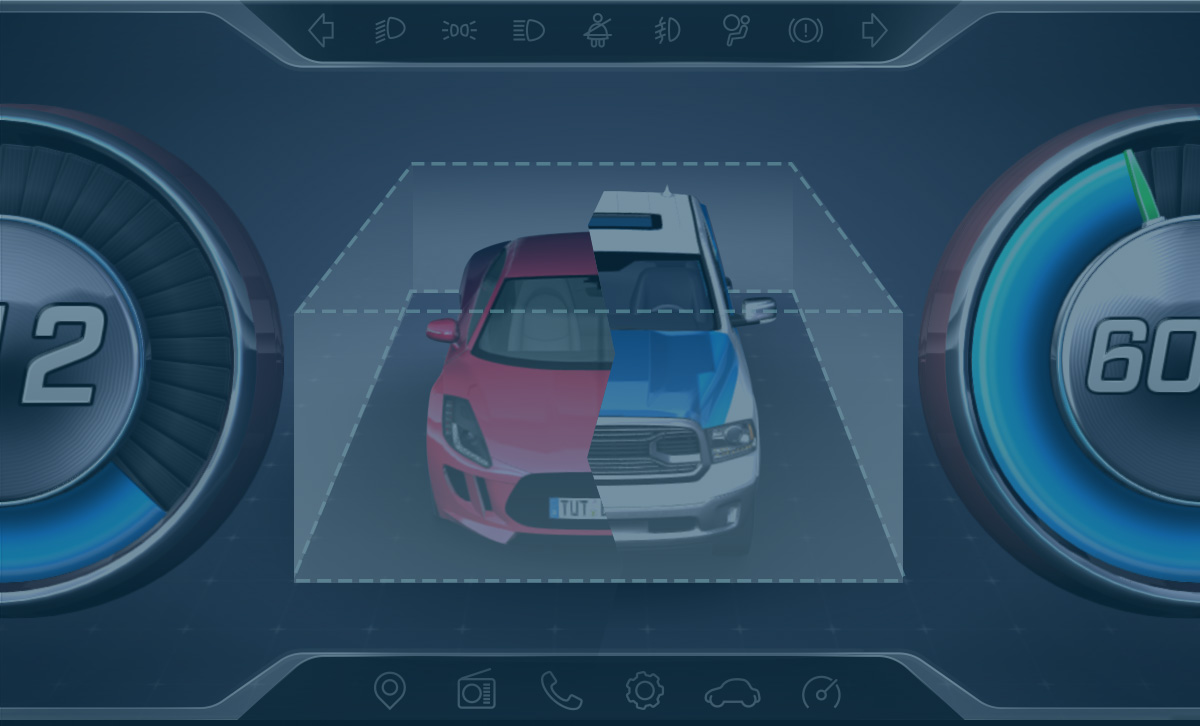
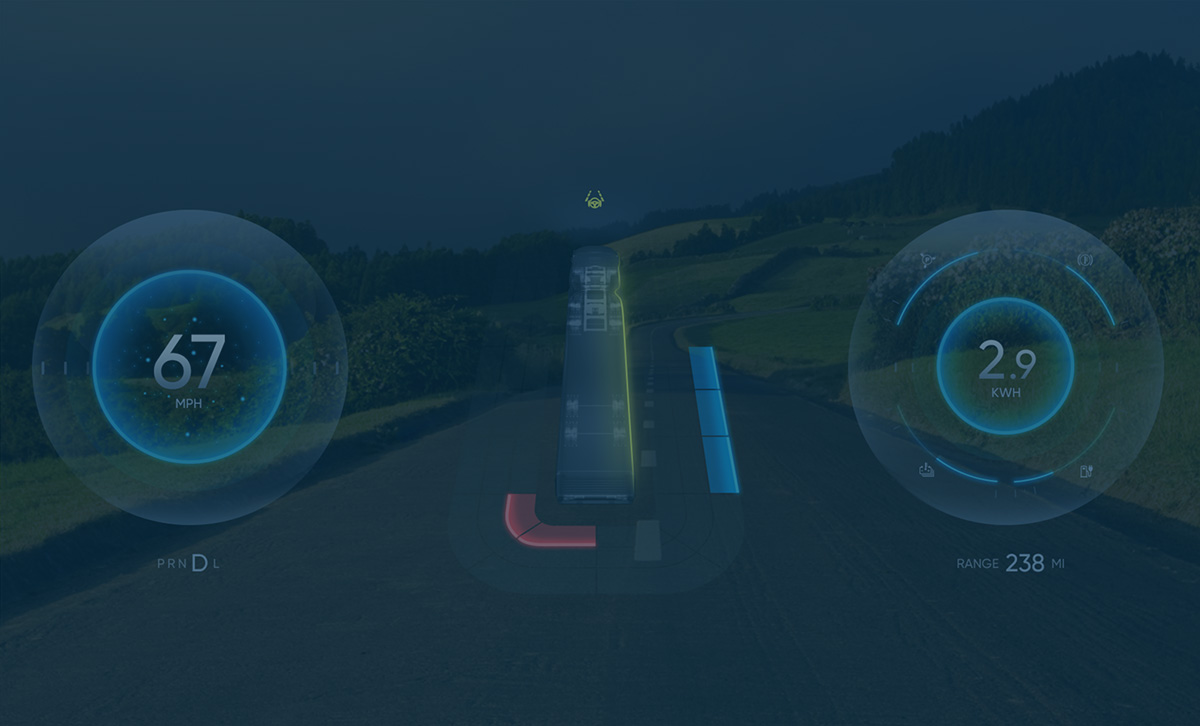
Automotive UI designed with Altia tools

Accelerate your user interface development

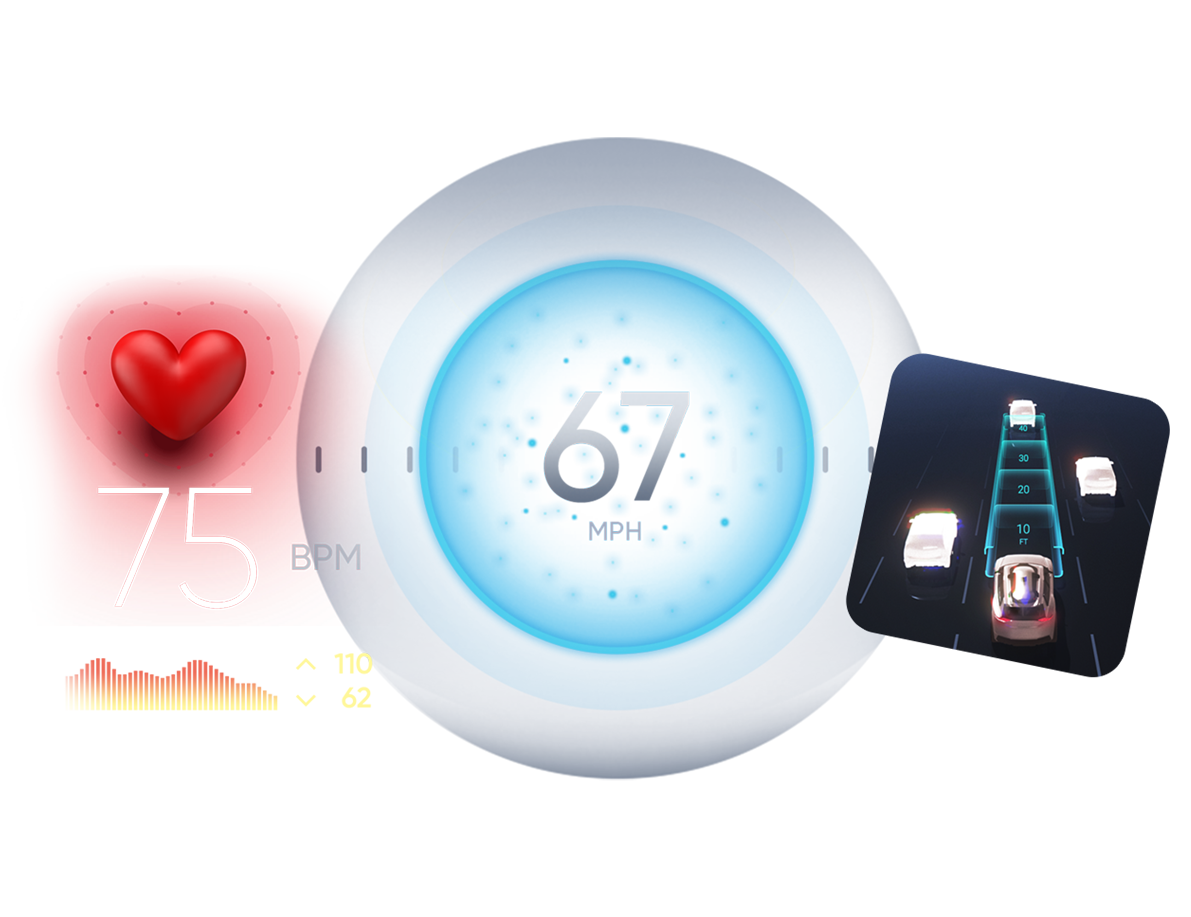
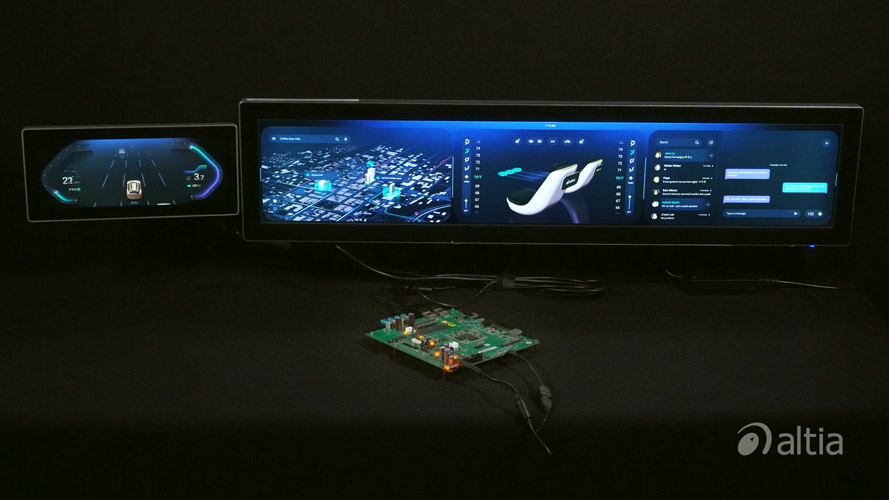
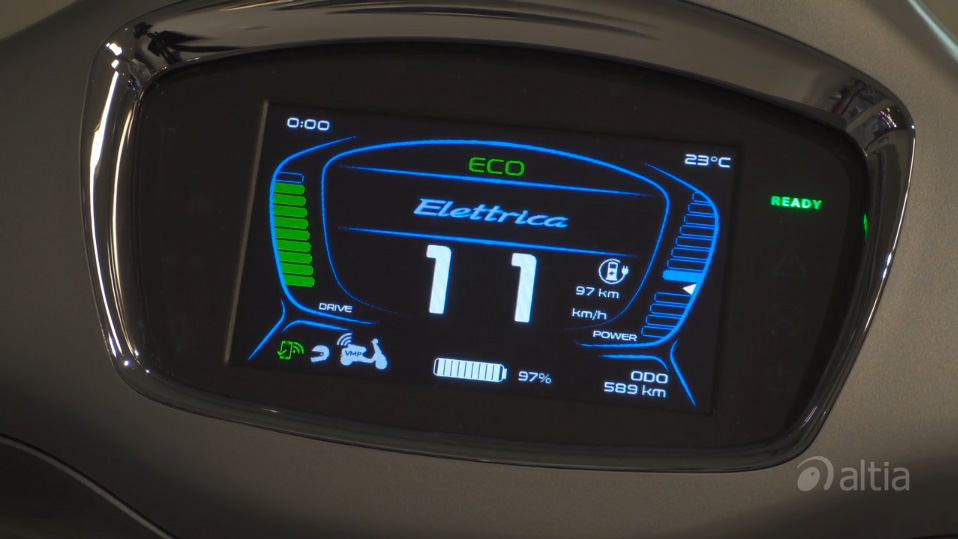
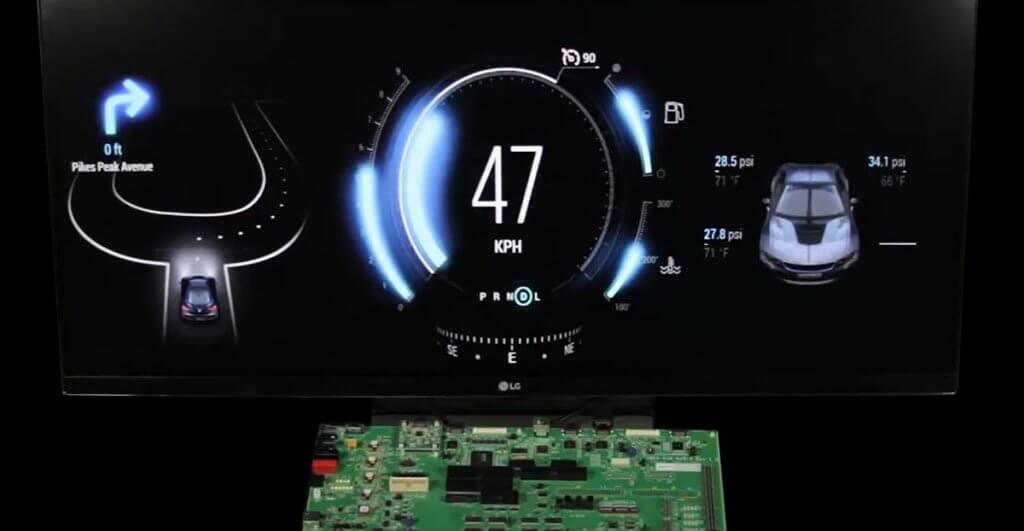
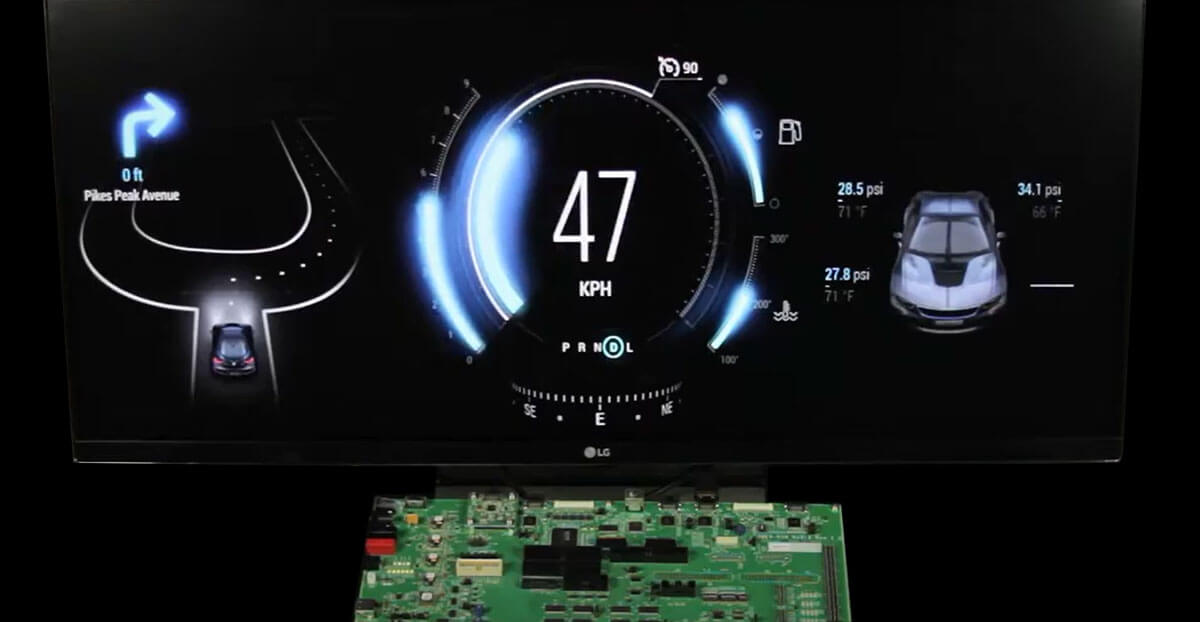
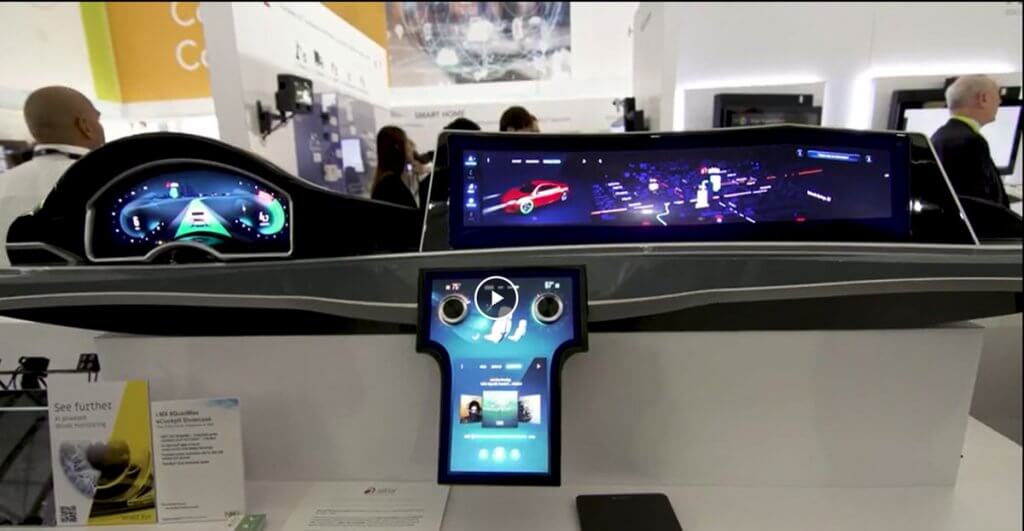
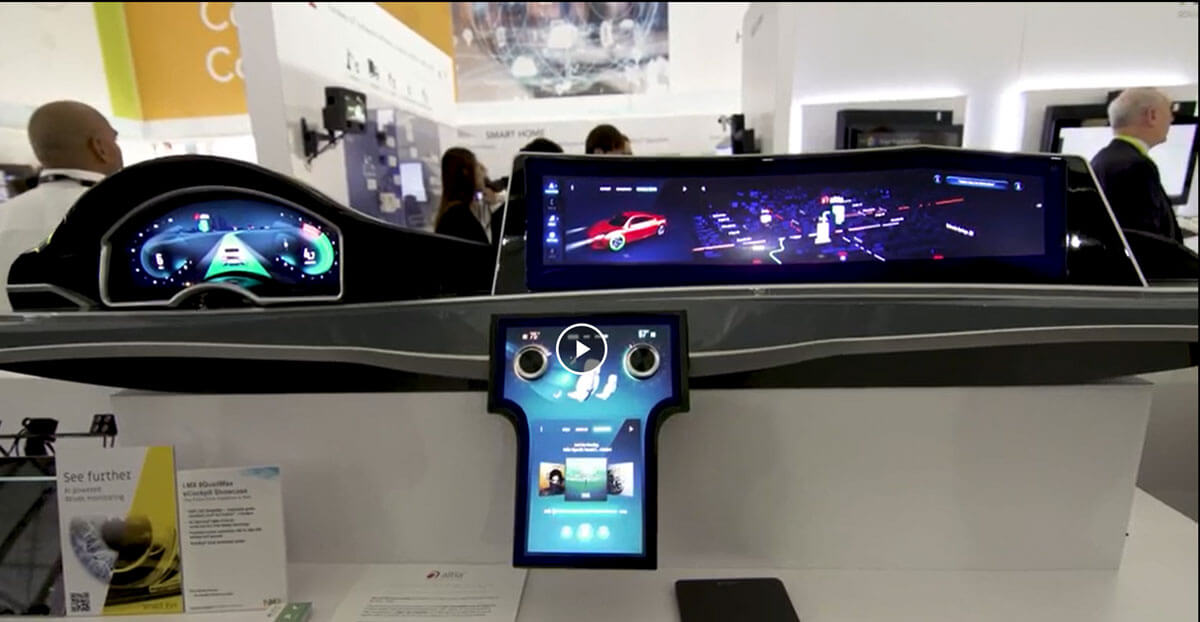
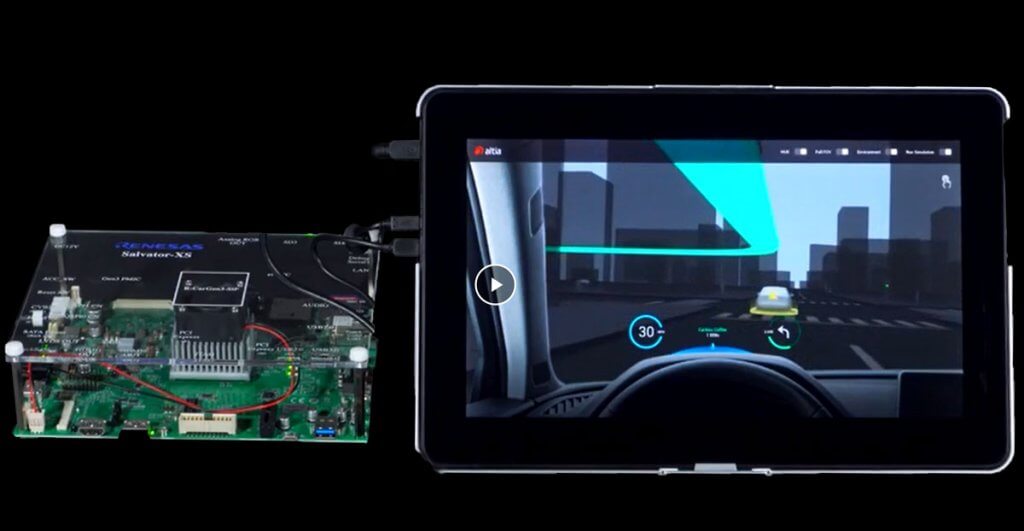
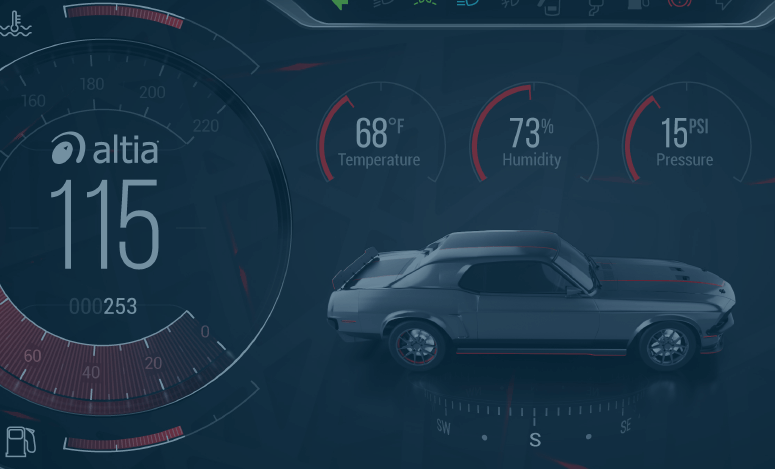
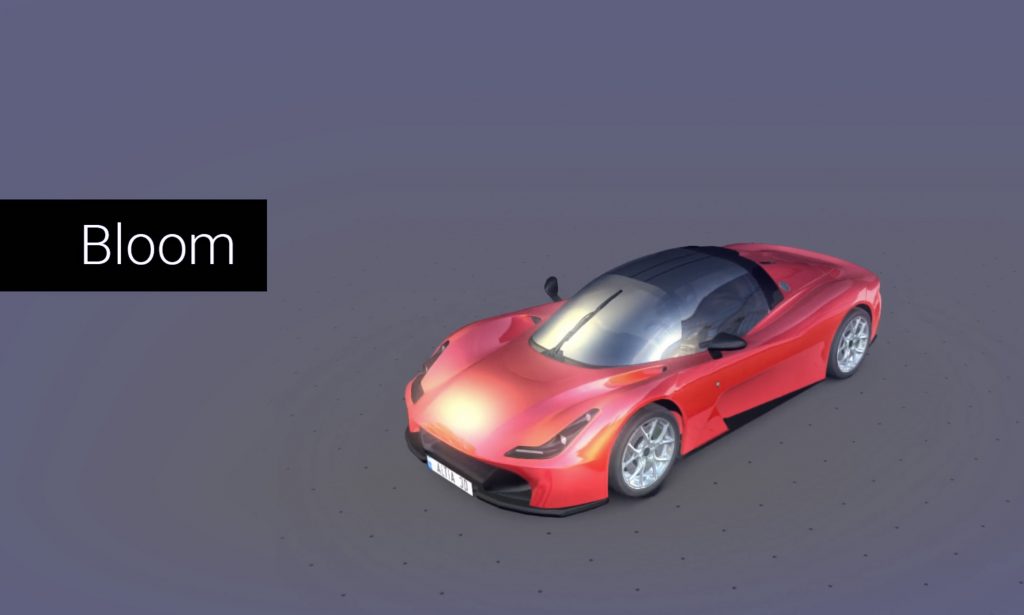
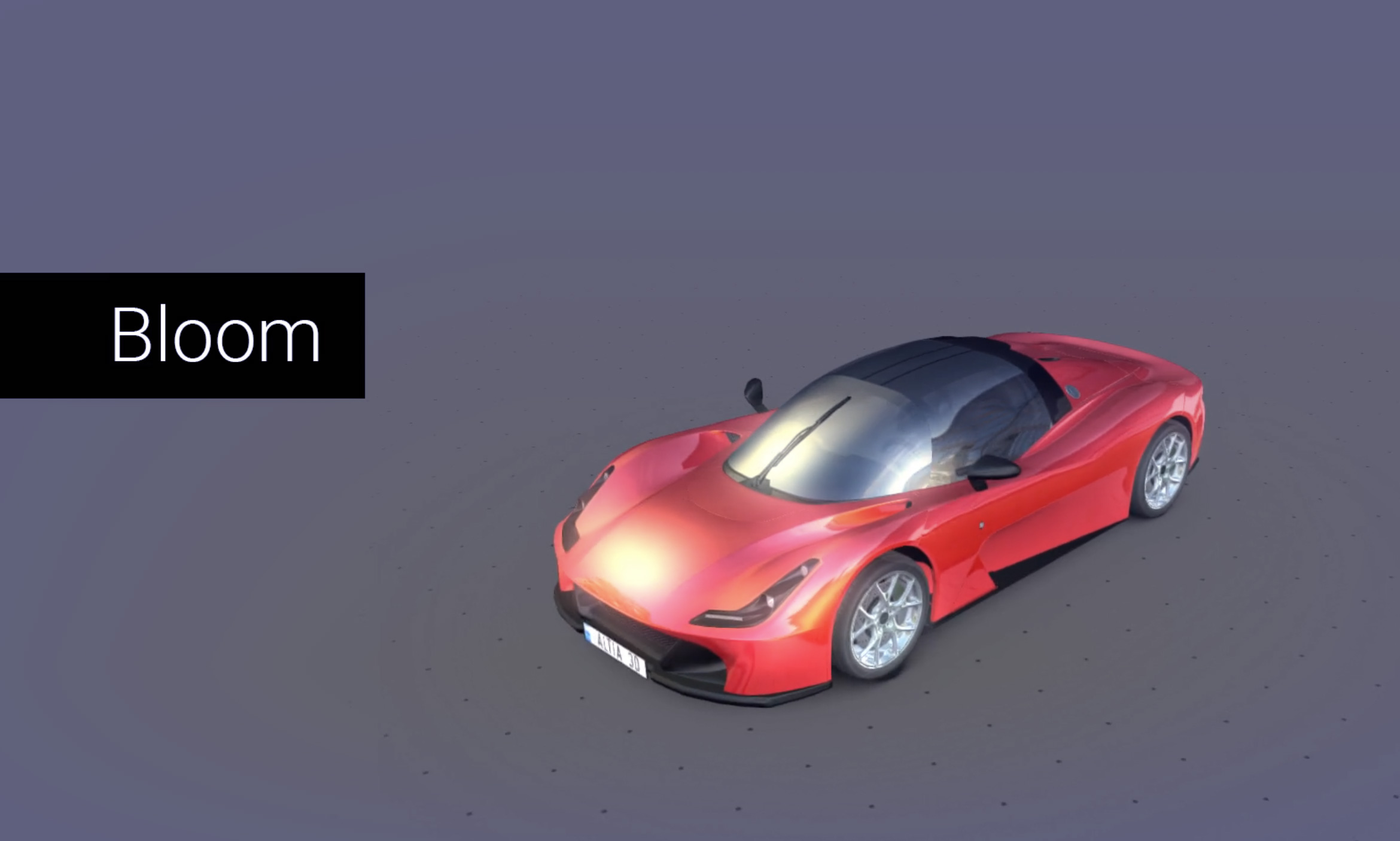
Whether you're developing a cutting edge instrument cluster for a new car or a dynamic new product, Altia tools will help your team get your concept from your artist's imagination to the lowest cost hardware in the shortest amount of time.


Download Auto Case Study (.pdf)

Read how Fisker Automotive used Altia tools to build a first class automotive user interface console. Click Here

Download Auto Brochure (.pdf)

Learn how Altia’s powerful toolchain can help you take your automotive user interface from concept to code. Click Here

Download Video (.wmv)

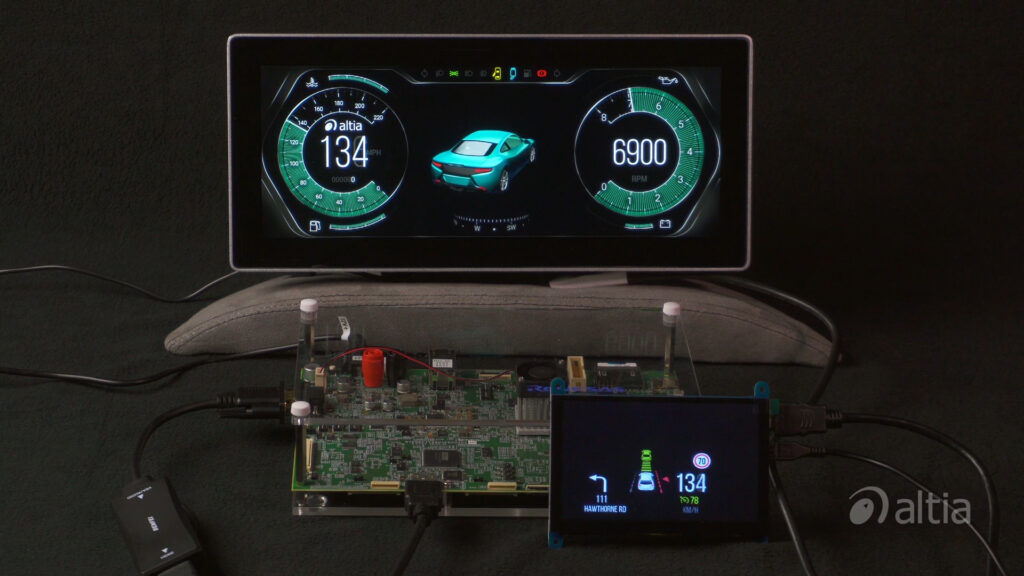
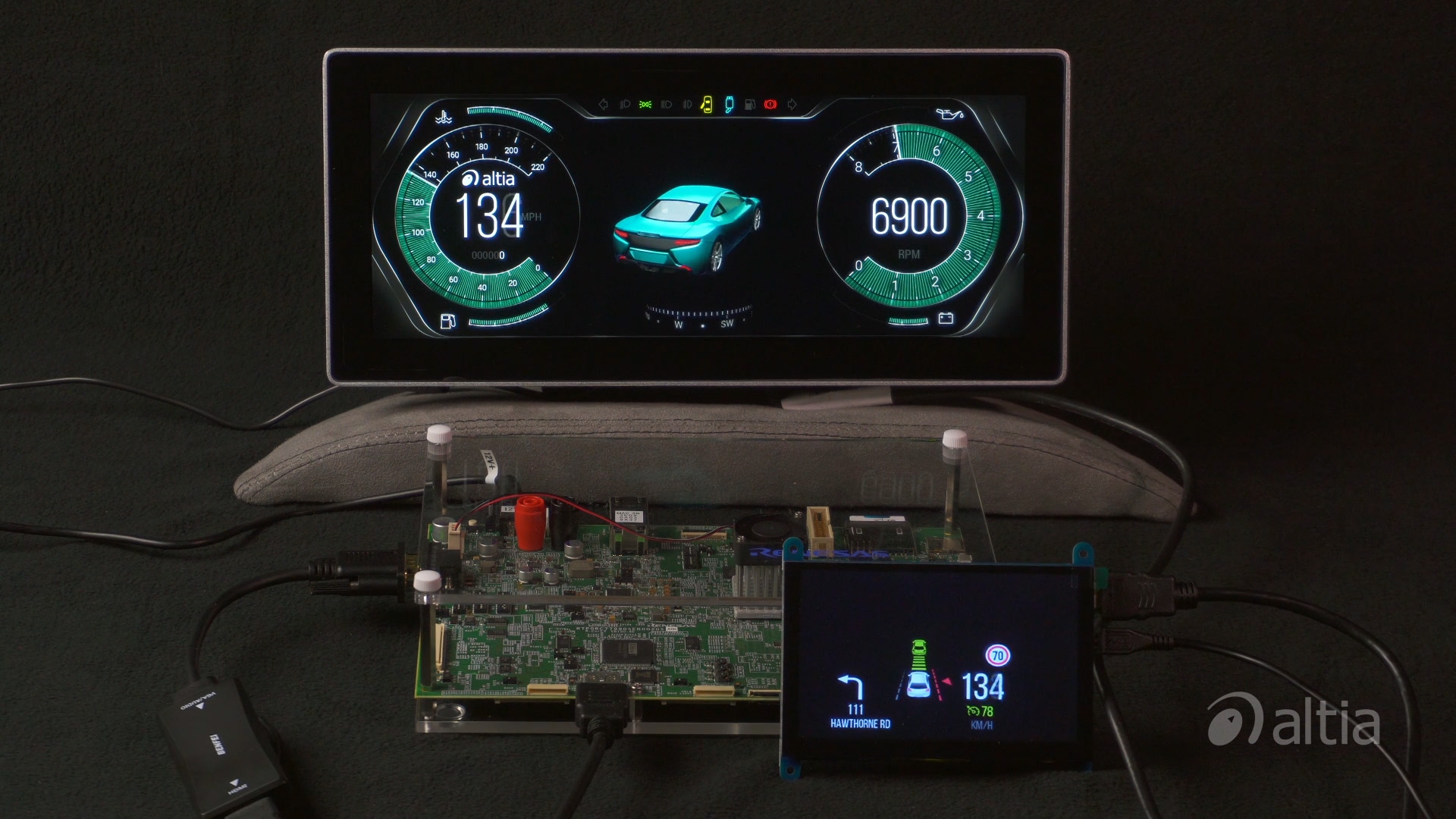
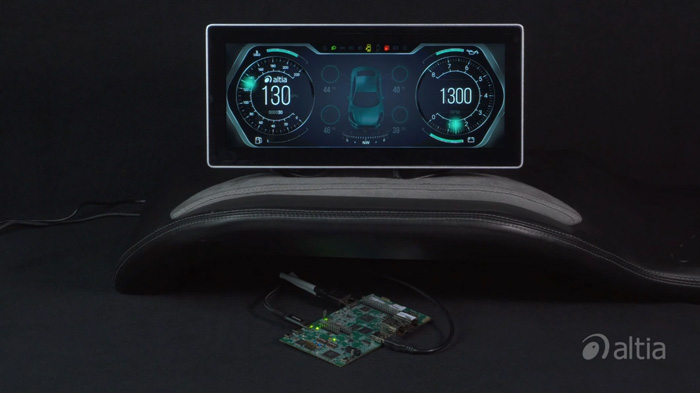
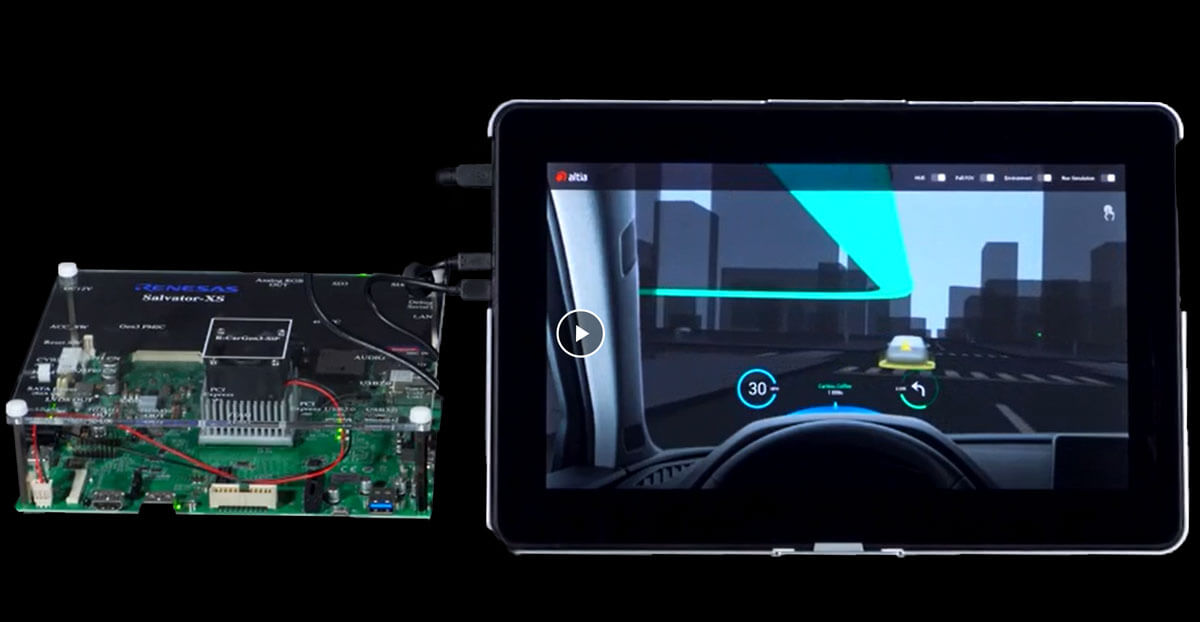
Check out Altia's cluster demo running on hardware from one of our world-class partners. Click Here


Budget-smart benchmarking

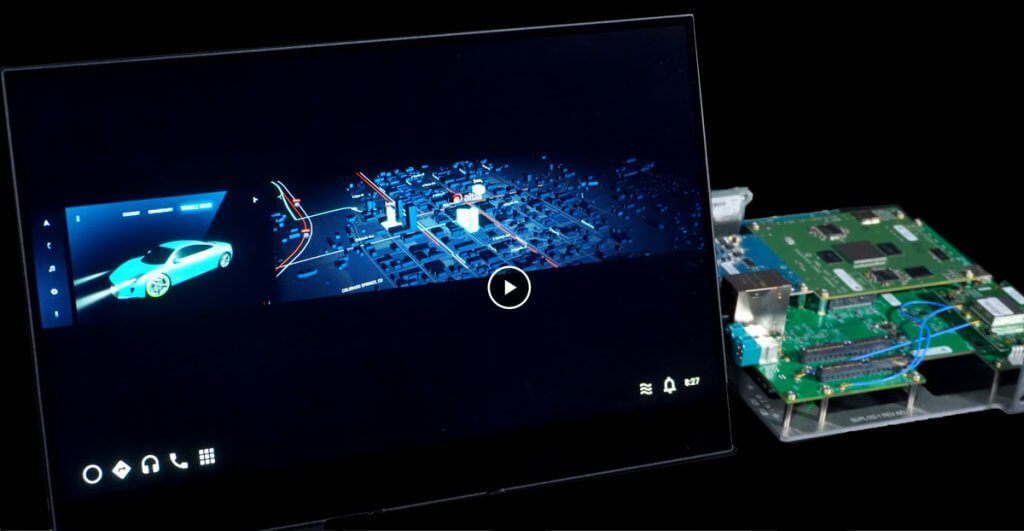
If you're gearing up to deliver innovative, feature-rich graphics like those shown in this demo, you might assume that you're going to need to select a high end processor to handle your display.

Before you break your budget, consider the flexibility that comes with Altia's code generation too, DeepScreen. Once you've created your user interface in Altia Design, let DeepScreen generate code for a variety of different hardware targets. "Try on" different processors until you find the right combination of power and price.


Download White Paper (.pdf)

Find out how to use Adobe Photoshop Layer Comps to build your next
great GUI. Click Here

More Info

Use Altia DeepScreen to generate production code for automotive applications. Click Here

Download Automotive Video (.wmv)

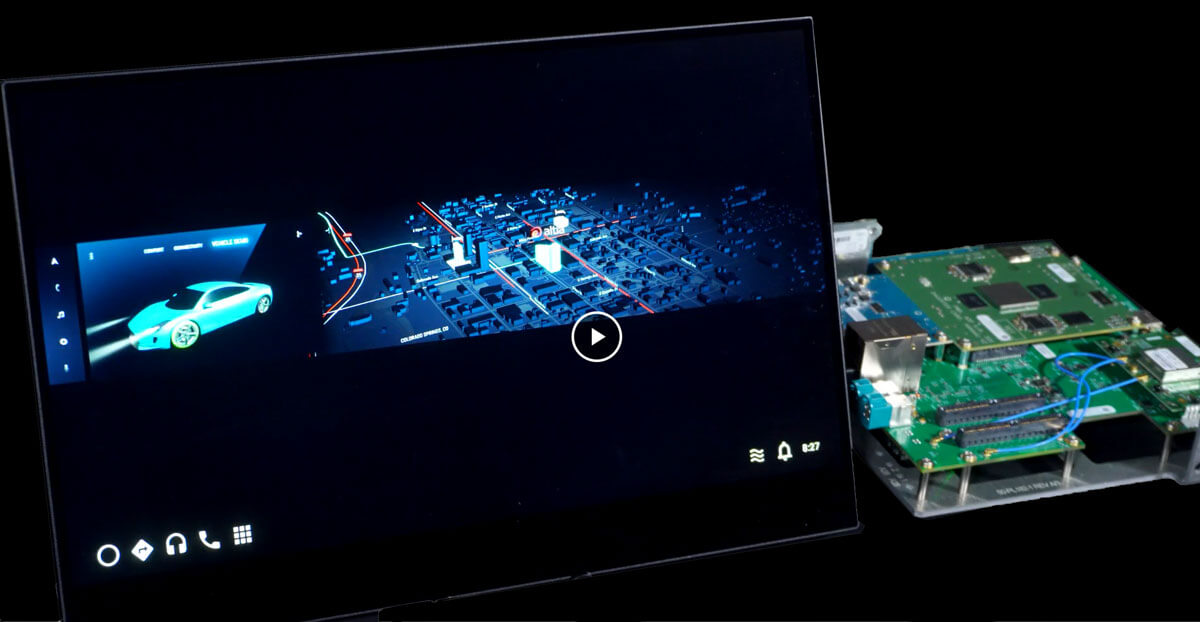
Watch a video of the demo you see here -- flashy animations and media in this state-of-the-art automotive instrument cluster. Click Here


Build dynamic automotive GUIs with Altia's software

Better process, better product

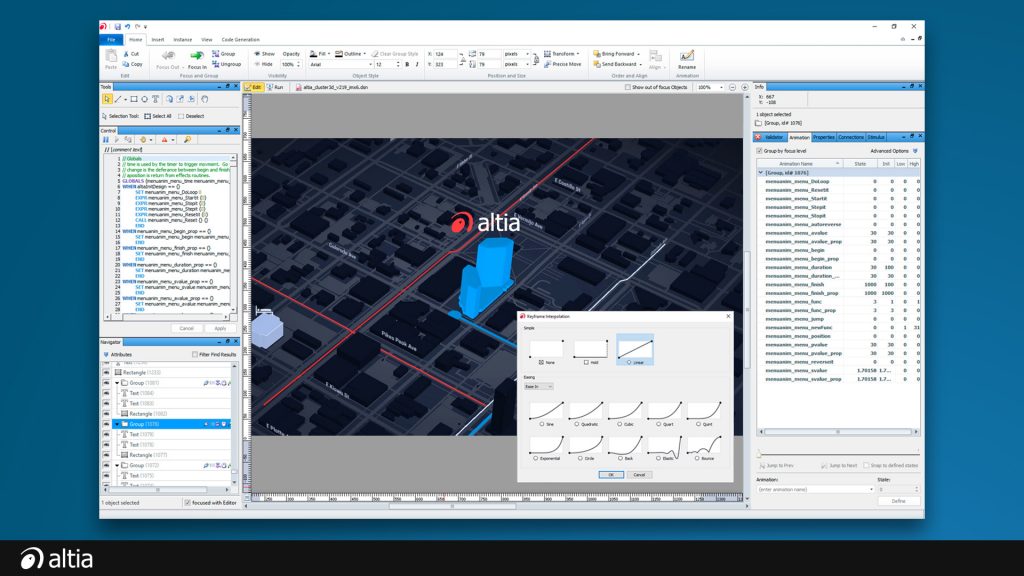
With the Altia tool chain, development teams make the most of their time and assets. Begin by importing artists' user interface renderings with PhotoProto. Animate, edit and test in Altia Design. Then let DeepScreen generate C code for that Altia design. The user interface that was with your throughout the project deploys right to your end product. No hand-coding required.

Furthermore, that same user interface code can be reused and deployed to a family of products. Designing for one and deploying for many? That's efficiency at work.


Download Webinar (.wmv + .pdf)

Mike Juran, Altia CEO, shares lessons learned from his years of experience helping companies deploy GUIs for production embedded devices. Click Here

More Info

Learn how Altia PhotoProto brings your Adobe Photoshop artwork to life -- and then readies it for the Altia work flow. Click Here

Download Demo (.exe)

Experience Altia at work. Check out our automotive demo. Click Here


Home Automation comes to life with elegant user graphical user interfaces

Design smart

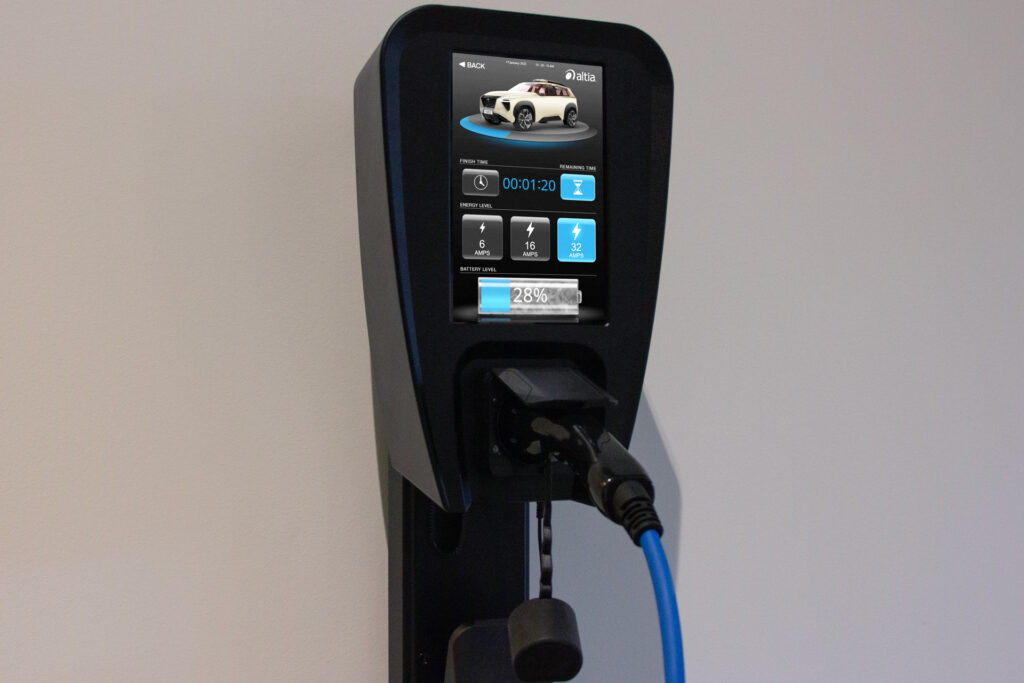
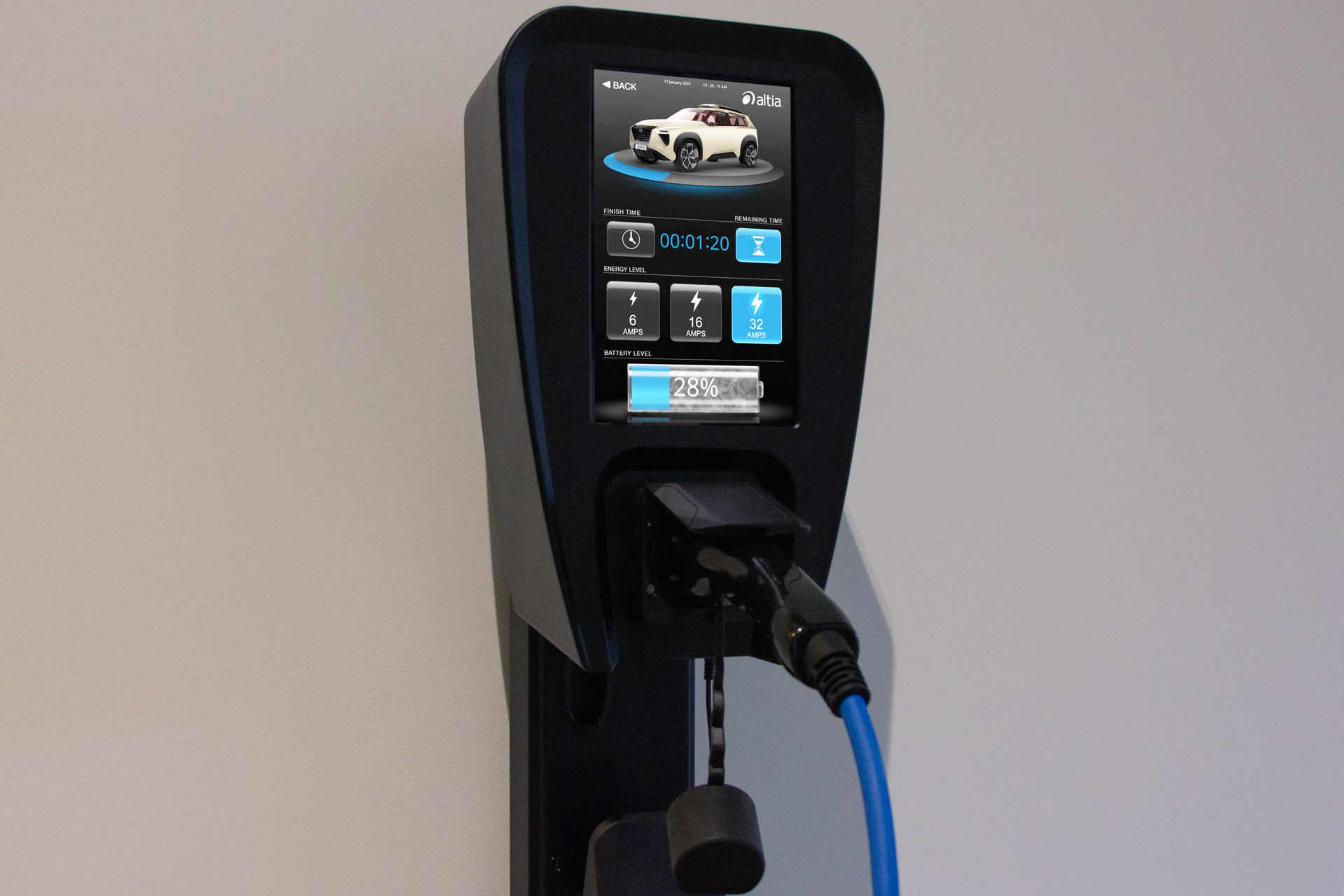
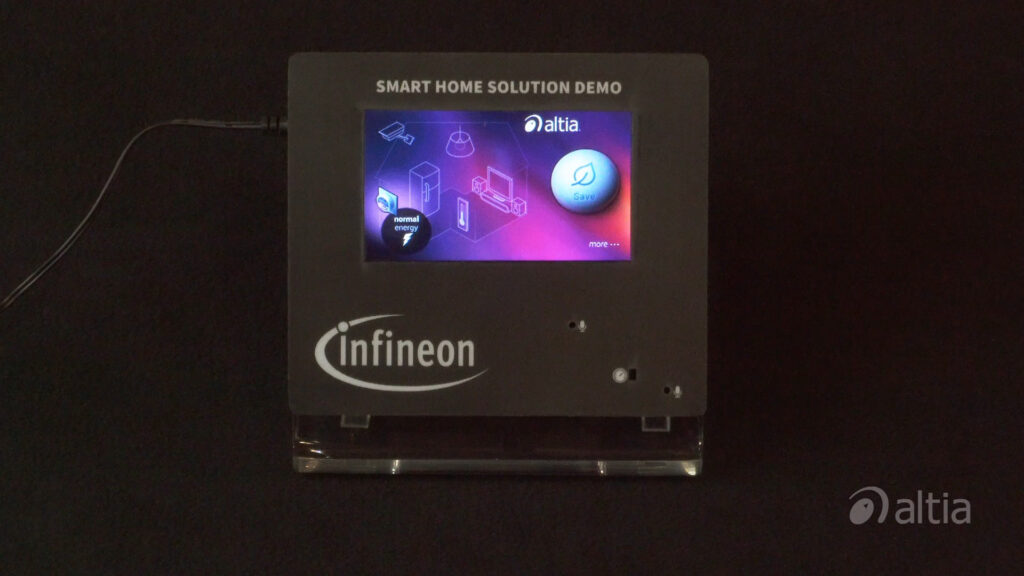
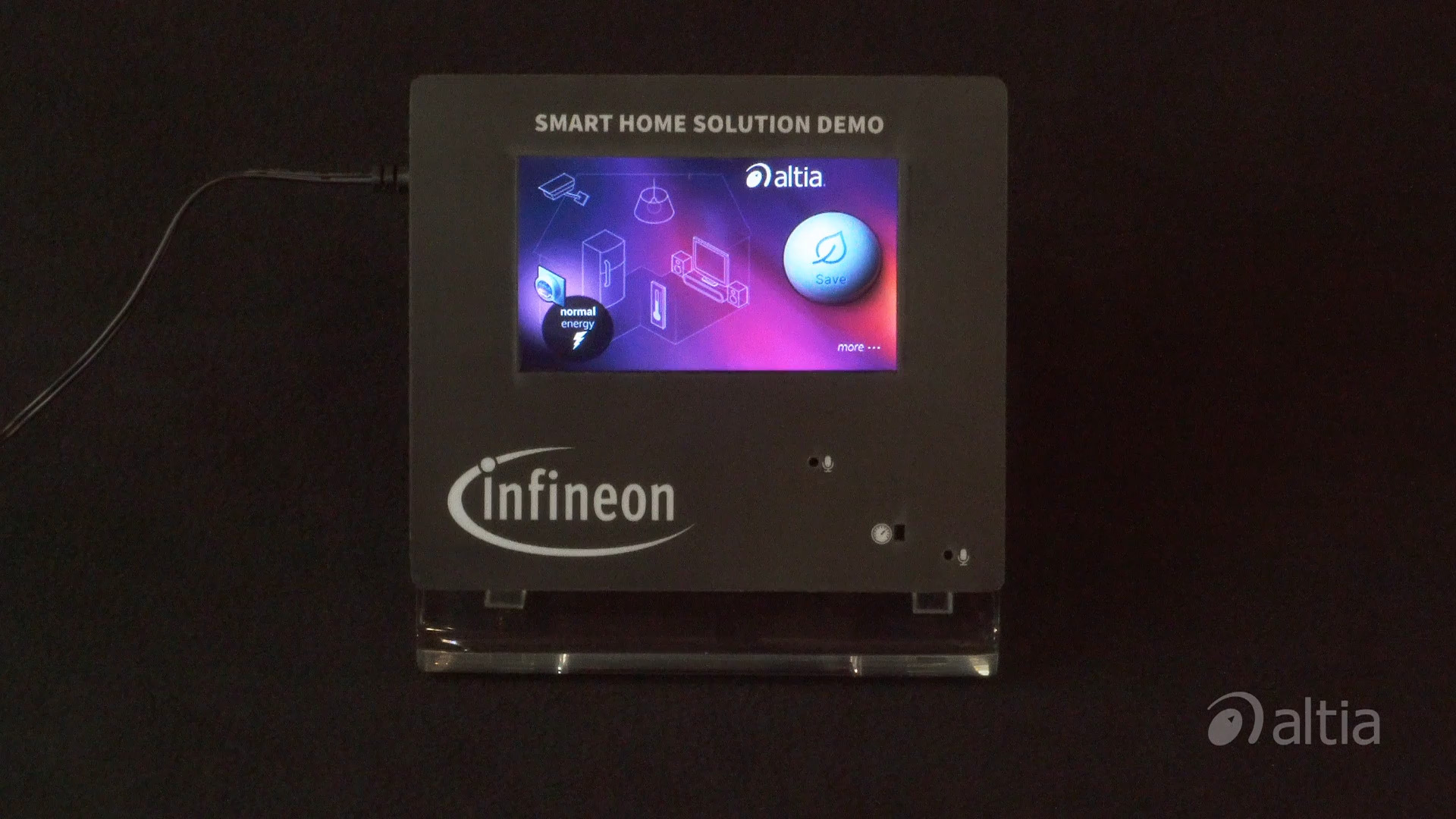
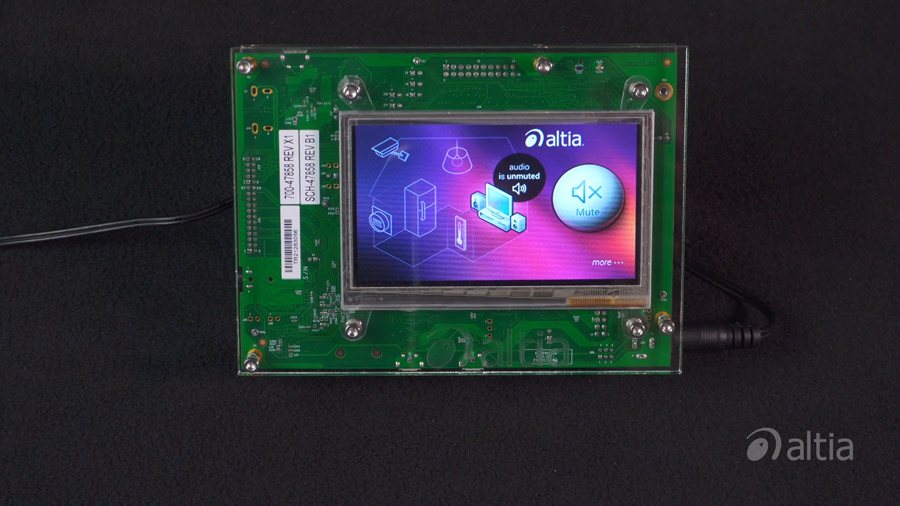
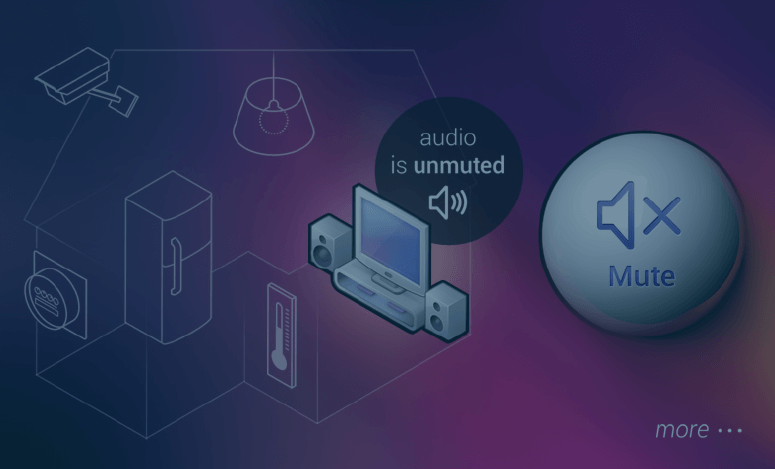
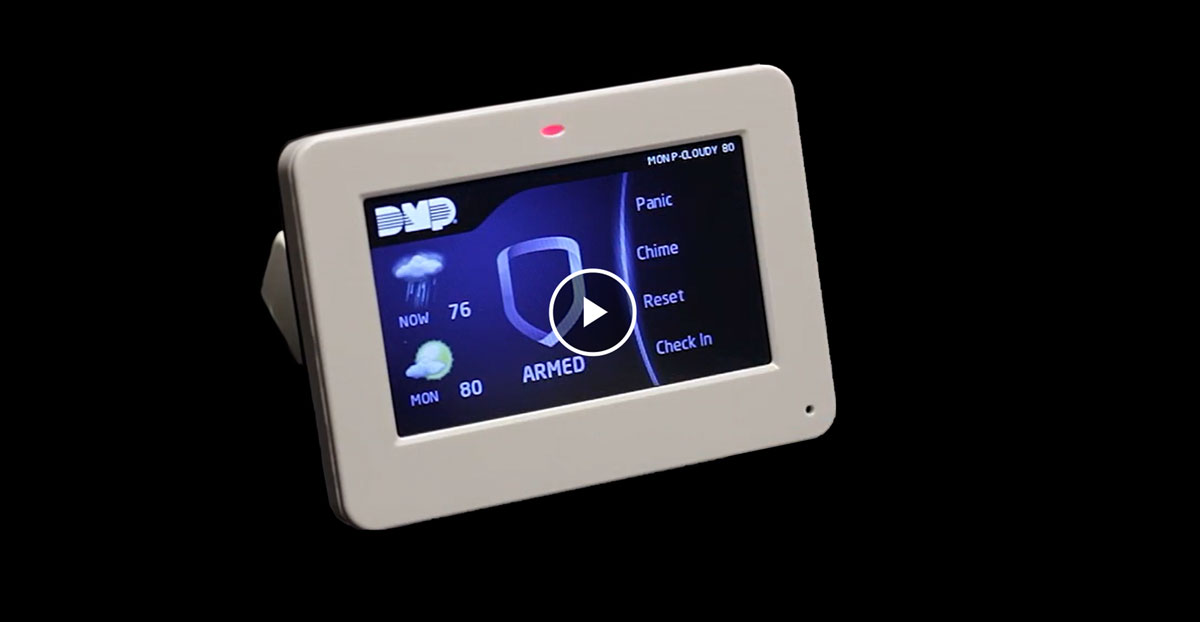
Developing an embedded display for automating energy usage in a home or building? Look no further than Altia. Our tools provide the capability to design cool, completely custom user interfaces like this smart grid demo. Ready for production? Altia DeepScreen generates code for a variety of industry-leading hardware platforms.  Build flexibility into your bill of materials?  That's smart.


Download White Paper (.pdf)

You can use Adobe Photoshop to prepare graphics for embedded user interfaces. Download to learn more. Click Here
Download Demo (.exe)

Explore this smart home automation console we built with Altia PhotoProto and Altia Design. Click Here

More Info

Altia DeepScreen generates graphics code for a wide array of industry's most popular hardware targets. Click Here


Brighten your customer's day with an interactive user interface

Put your product's best "face" forward

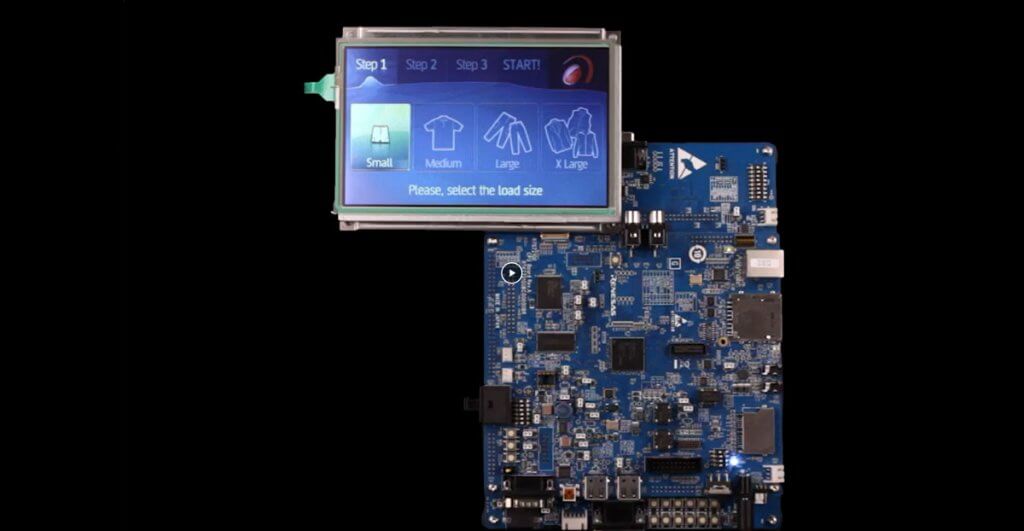
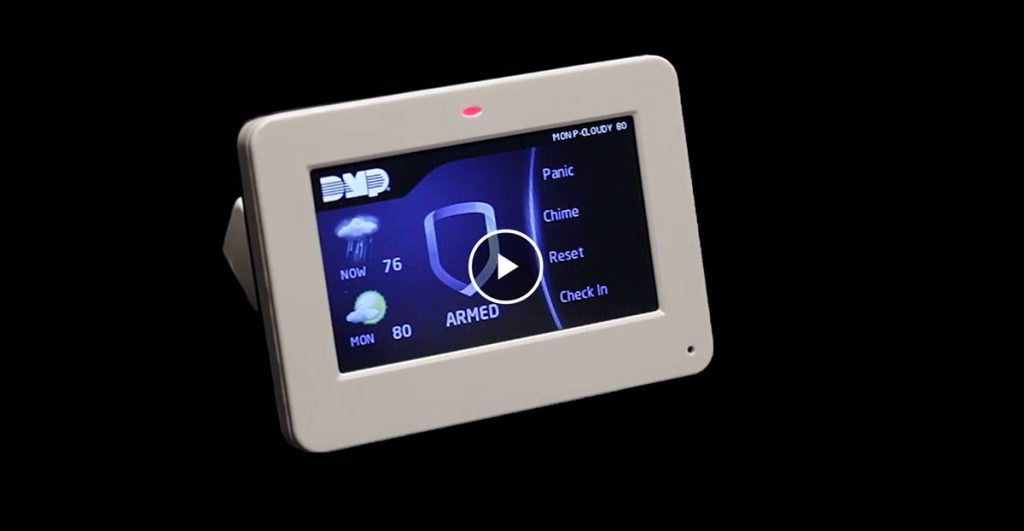
Developing a touch screen interface like the one shown in this demo adds a lot of appeal to a product - but also increases the engineering challenge. Users must be able to access a variety of system functions via multiple screens. And it's all got to be attractive, safe and easy to use.
Altia offers development teams the ability to create and animate a user interface and then connect it to the underlying application code. Managers and focus groups can try out the Altia design and offer valuable feedback early and often. Testing your new user interface at this point in development -- before going to hardware -- saves significant time and cost.


Download Video (.wmv)

Altia helps companies get market-leading GUIs intro production. Watch this five minute overview of our tool chain. Click Here

More Info

Use Altia Design to build stunning graphical user interfaces for your next home appliance display. Click Here


Home

Contact
Altia World Headquarters
7222 Commerce Ctr Dr Ste 240
Colorado Springs, CO 80919
Phone: (719) 598-4299
E-Mail: sales@altia.com


© Copyright 2012 by Altia, Inc.  All rights reserved. Privacy Policy.