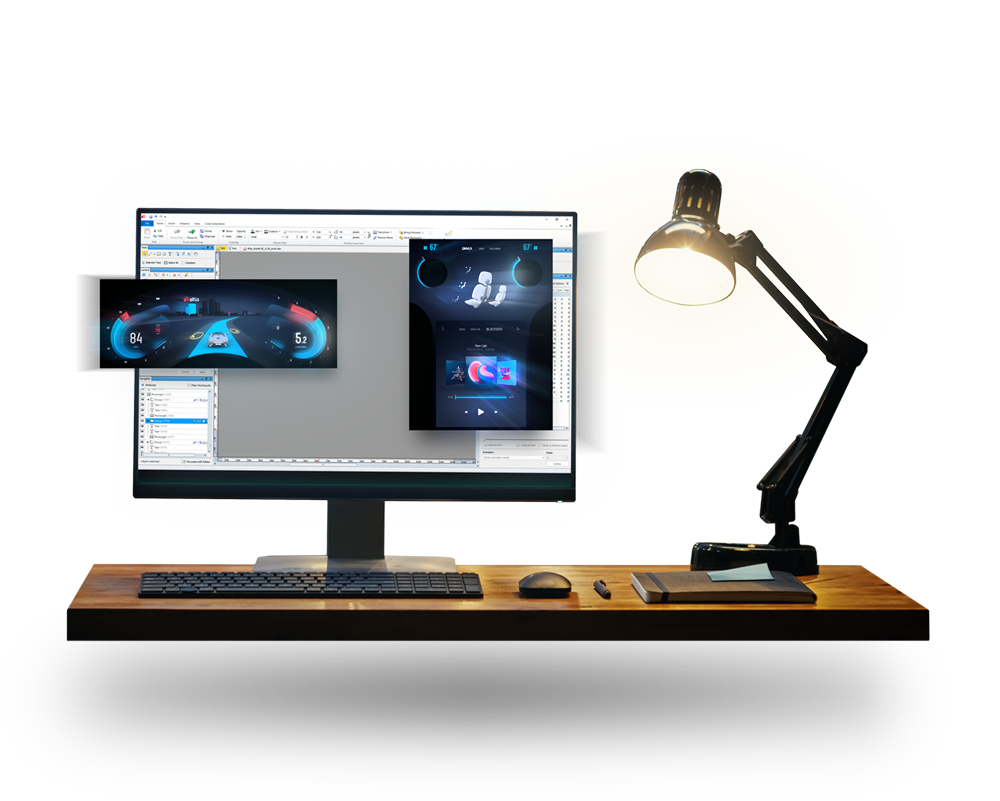
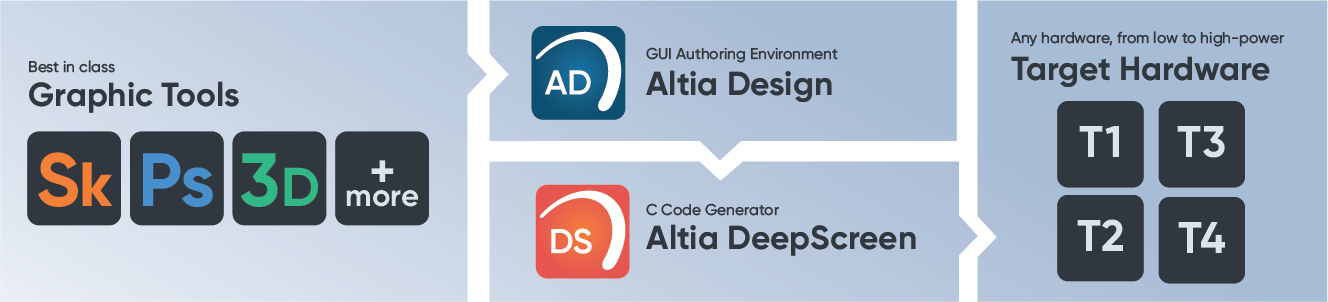
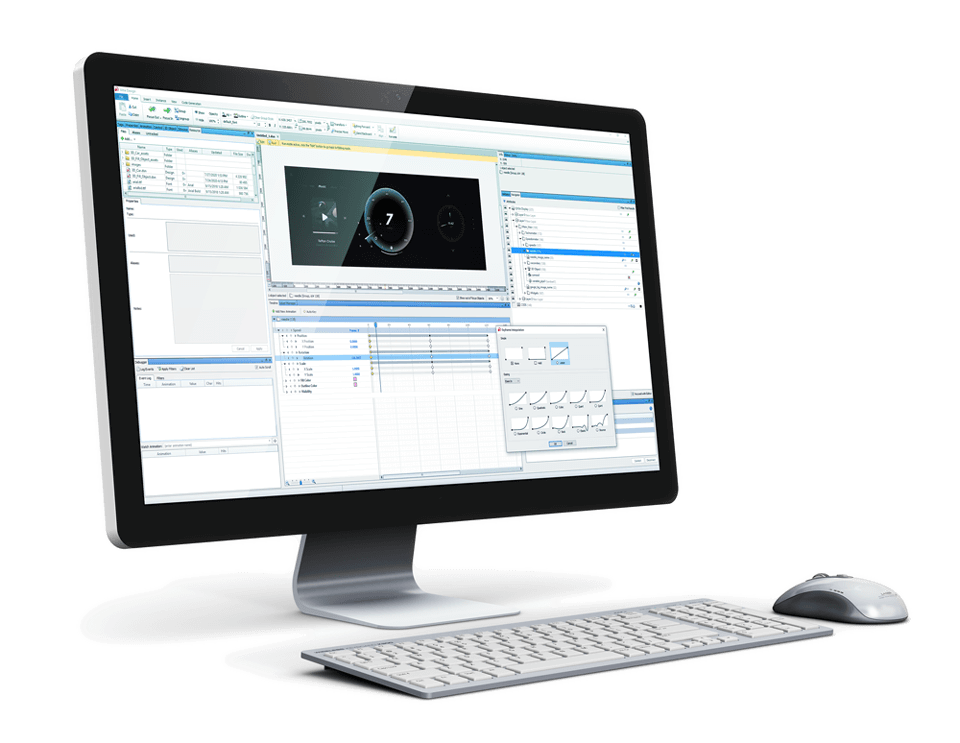
With Altia’s model-based development approach, development teams gain the power to create custom, working user interface models in Altia Design, our GUI editor. These models offer a means for clear communication, fast feedback and iterations for the best possible UI design.
Altia’s automatic code generation allows for fast, early tests on hardware in real-life settings to refine user experience and performance. DeepScreen code generator provides production-ready C code that is optimized to leverage all of the resources available on target hardware.
See Altia's journey from concept to code.
How Altia Design Works
Watch this video of the Altia toolchain at work.
See how it works.
Play Video
One Tool, Limitless Possibilities
Altia’s GUI development framework allows embedded developers to create user interfaces for any hardware and any operating system – or no OS at all.
Because Altia supports such a wide array of hardware targets from the industry’s top silicon providers, you have greater flexibility to find the best-fit platform for your product. Plus, Altia allows you to move your GUI to different hardware or OS as needed.
Altia’s Professional Engineering Services Team supports all phases of the embedded GUI development lifecycle – from design strategy to platform support to user experience testing to post-production updates.
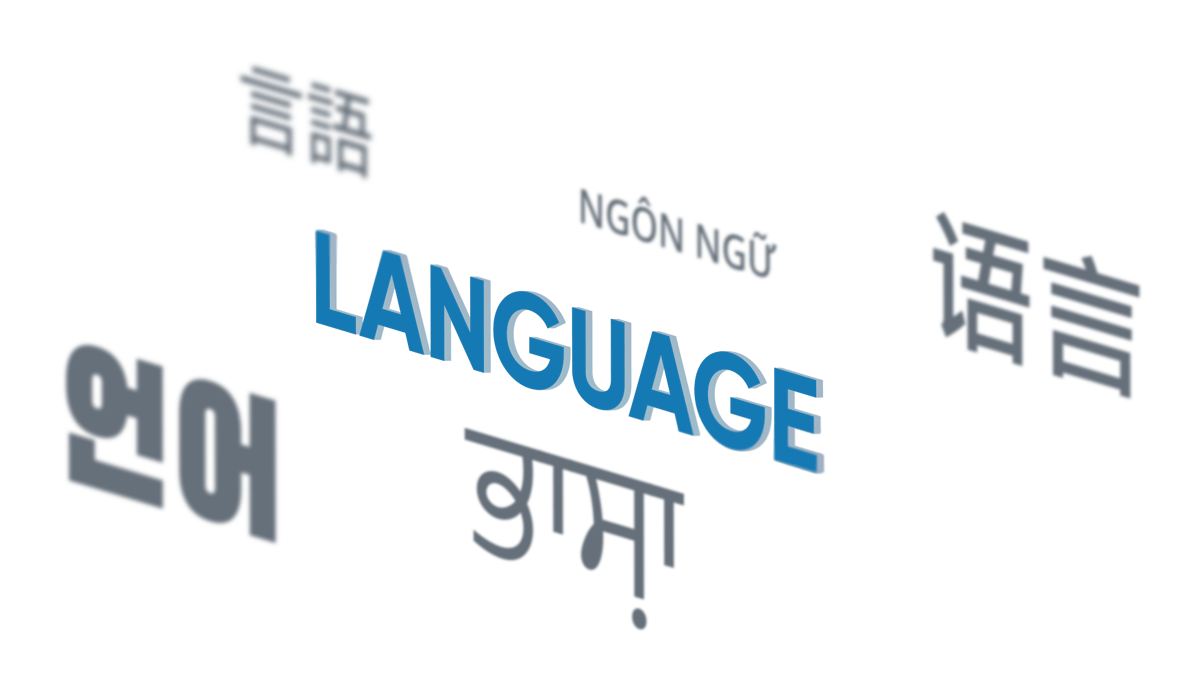
To serve a worldwide market, you need a GUI tool that will give your team the capability to create displays for global languages. Altia makes that happen! Our software supports any font and any language – even right-to-left – without a need to code.
Altia Font Modules help GUI developers control the appearance, memory size and performance of fonts that will display on their embedded targets.
Support for advanced features such as font linking and compressed fonts
Flexible royalty structures by pulling in open source or commercially supported solutions
Lightweight integrations for low end hardware
Full-featured combinations for the most complex font needs
Support for every written language
Altia is designed into over 100 million devices – and counting.